How to Easily Locate Your Nearest DMV Office
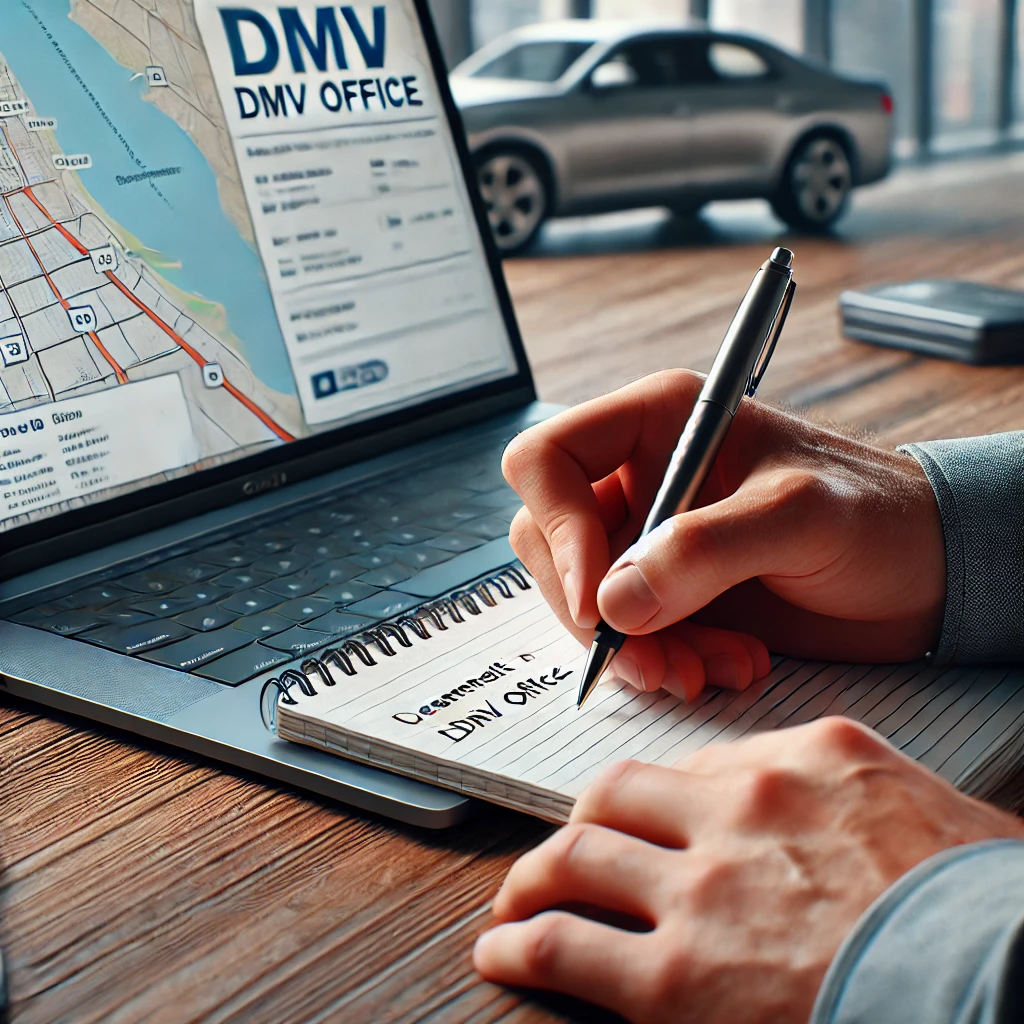
Finding your nearest Department of Motor Vehicles (DMV) office can be a straightforward task, but it’s essential to know the most efficient methods to avoid unnecessary hassle. Whether you need to renew your driver’s license, register a vehicle, or take a driving test, knowing where to go is the first step. In this blog, we’ll guide you through the best ways to locate your nearest DMV office quickly and easily.
Why Finding the Nearest DMV Office is Important
Before diving into the how-tos, it’s essential to understand why finding the nearest DMV office is important:
- Convenience: The closer the office, the less time you’ll spend traveling.
- Wait Times: Some DMV offices are busier than others, so finding one nearby can help you plan your visit and manage your time effectively.
- Services Offered: Not all DMV offices offer the same services. Finding the right location ensures you can complete your tasks without making multiple trips.
How to Find Your Nearest DMV Office
Locating your nearest DMV office is easier than ever, thanks to a variety of online tools and resources. Here’s a step-by-step guide:
1. Use the DMV Website
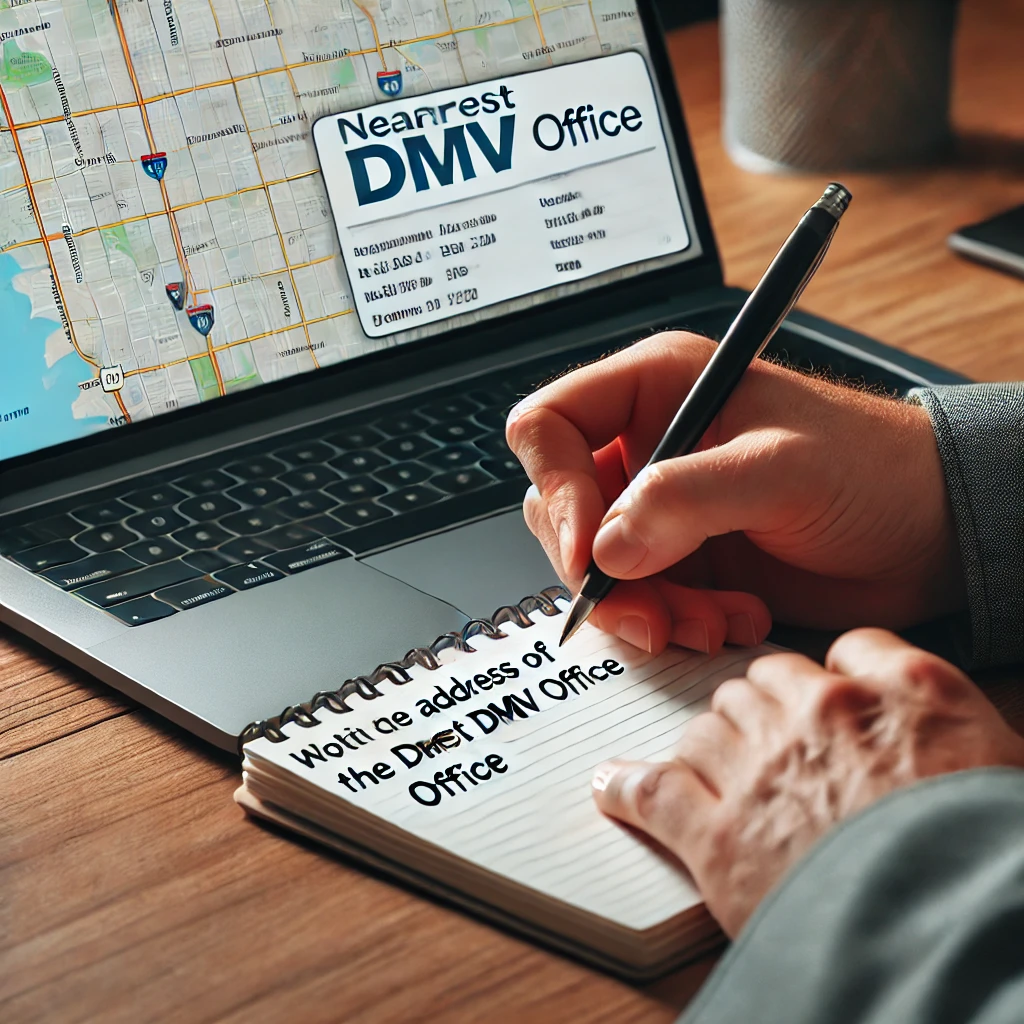
The official DMV website is the most reliable resource for finding office locations. Here’s how to use it:
-
Step 1: Visit the official DMV website for your state. You can easily find this by searching for “[Your State] DMV” in your preferred search engine.
-
Step 2: Look for the “Locations” or “Find a DMV” section on the homepage. This section usually allows you to search by zip code, city, or county.
-
Step 3: Enter your location details to see a list of nearby DMV offices. The search results typically include addresses, contact information, and hours of operation.
-
Step 4: Some websites offer a map view, making it easier to visualize where each office is located.
2. Use Google Maps or Other Map Services
Google Maps and other map services like Apple Maps or Waze are excellent tools for locating your nearest DMV office. Here’s how to do it:
-
Step 1: Open Google Maps or your preferred map service on your smartphone or computer.
-
Step 2: In the search bar, type “DMV” followed by your city or zip code.
-
Step 3: The map will display DMV office locations in your area. You can click on each pin to see the address, hours, and directions.
-
Step 4: Use the “Directions” feature to get turn-by-turn navigation to the office.
3. DMV Mobile Apps
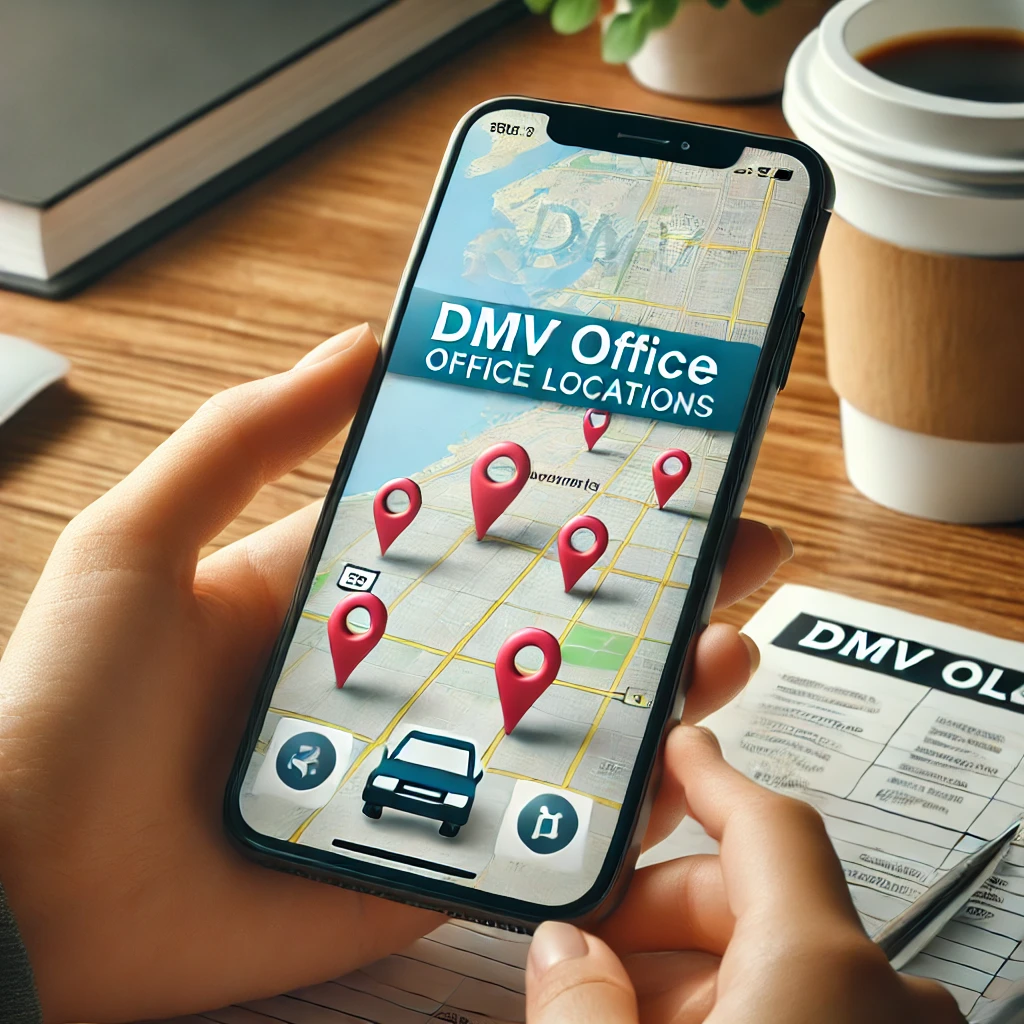
Some states offer official DMV mobile apps that make it easy to find office locations and access other DMV services. Here’s how to use them:
-
Step 1: Download the official DMV app for your state from the App Store or Google Play.
-
Step 2: Open the app and look for the “Locations” or “Find a DMV” feature.
-
Step 3: Enter your location or allow the app to use your GPS to find the nearest offices.
-
Step 4: The app will display a list or map of nearby DMV offices, along with contact information and hours of operation.
4. Call the DMV
If you prefer to speak with someone directly or have specific questions about services, you can always call the DMV. Here’s how:
-
Step 1: Find the phone number for your state’s DMV office. This can usually be found on the official DMV website.
-
Step 2: Call the DMV and ask the representative to help you locate the nearest office. They can provide you with the address, hours of operation, and even tell you which services are offered at that location.
5. Check Social Media and Community Forums
Sometimes, local community forums, social media groups, and even apps like Nextdoor can provide helpful information about DMV office locations. Here’s how to use them:
-
Step 1: Join local community groups on Facebook or Nextdoor and ask for recommendations on the best DMV offices nearby.
-
Step 2: Look for posts where people discuss their experiences with different DMV locations. This can give you insights into wait times and customer service quality.
-
Step 3: Follow your state’s DMV social media pages for updates on office hours, closures, or changes in services.
Additional Tips for Visiting the DMV
Once you’ve located your nearest DMV office, keep these tips in mind to make your visit as smooth as possible:
-
Check Hours of Operation: DMV offices often have specific hours, and some may be closed on weekends or holidays. Always check before you go.
-
Make an Appointment: If your DMV allows appointments, schedule one online. This can significantly reduce your wait time.
-
Bring Necessary Documents: Ensure you have all the required documents for the service you need. This might include your driver’s license, proof of insurance, vehicle registration, or identification.
-
Be Prepared for Wait Times: Even with an appointment, there can be a wait. Bring something to keep you occupied, like a book or your smartphone.
-
Check for Alternative Services: Some DMV services can now be completed online, such as renewing your license or registering a vehicle. Before heading to the office, see if you can handle your task online.
Conclusion
Finding your nearest DMV office doesn’t have to be a daunting task. With the tools and resources available today, you can quickly locate an office, get directions, and plan your visit efficiently. Whether you use the official DMV website, Google Maps, a mobile app, or simply call the DMV, these methods will help you find the right location with ease.
For more helpful tips and information about DMV services, visit Drive Rite NY. Make your next trip to the DMV as smooth as possible by being prepared and knowing exactly where to go!