Why Use the DMV Online Appointment System?
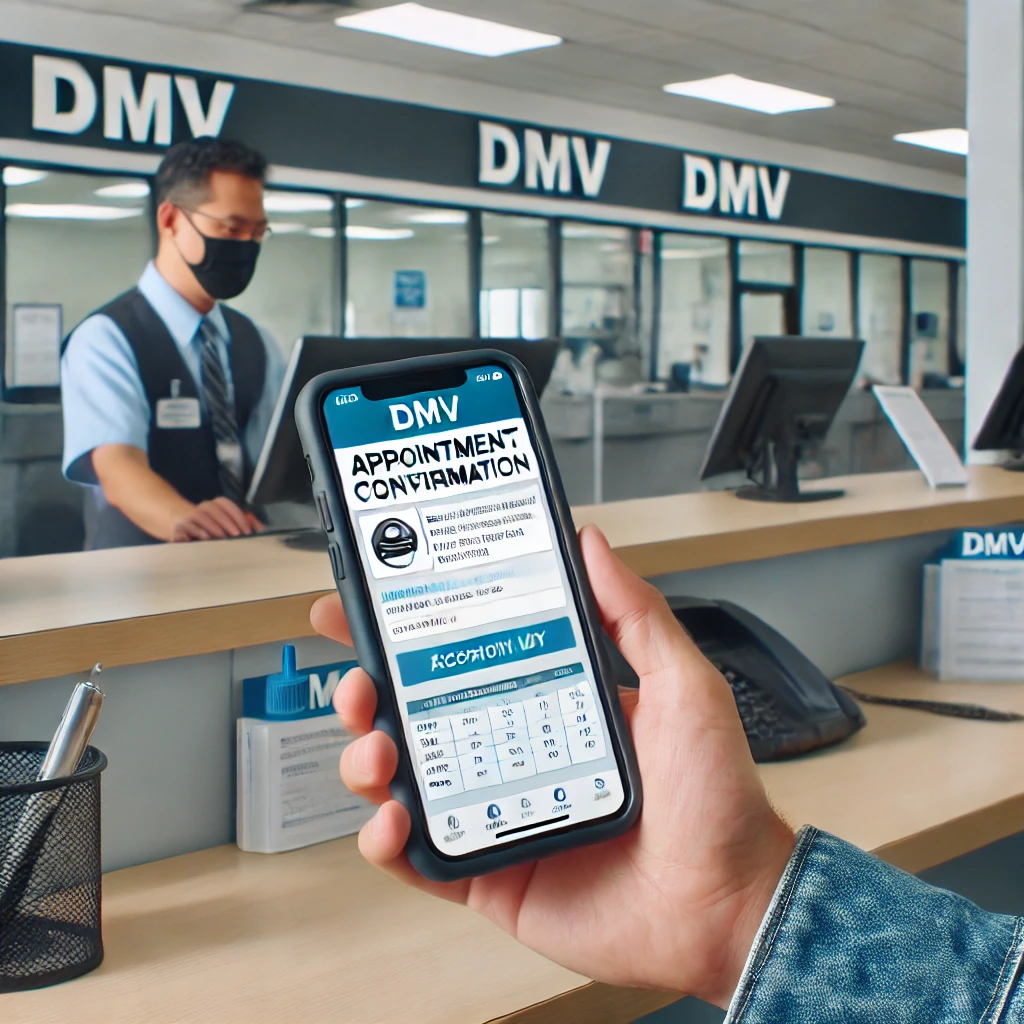
Convenience and Time-Saving
The DMV online appointment system allows you to book your appointments from the comfort of your home. No more standing in long lines or waiting for hours at the DMV office.
Organized Scheduling
By scheduling your appointment online, you can choose a date and time that fits your schedule. This helps you plan your visit efficiently and avoid unnecessary delays.
Reduced Wait Times
Online appointments often lead to shorter wait times at the DMV office, as the system helps manage the flow of customers more effectively.
Steps to Schedule an Appointment Using the DMV Online Appointment System
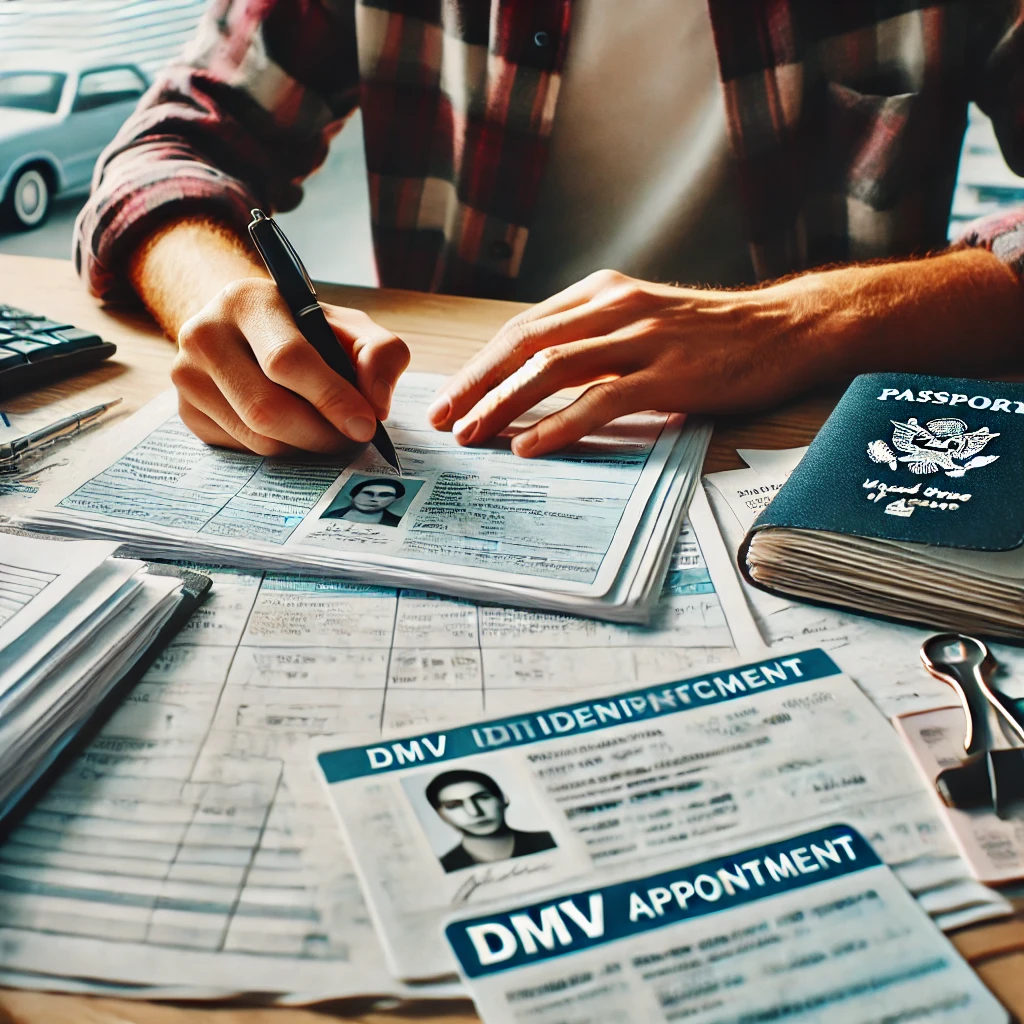
1. Access the DMV Website
Start by visiting the official DMV website for your state. Ensure you are on the correct site to avoid any potential scams or misinformation.
2. Find the Appointment Scheduling Section
Look for the "DMV Appointment Scheduling" section on the website. This can typically be found under the "Services" or "Appointments" tab.
3. Select the Service You Need
Choose the type of service you require, such as:
- Road test
- Driver's license renewal
- Vehicle registration
- Address change
- ID card issuance
Make sure to select the correct service to ensure you are directed to the appropriate scheduling options.
4. Enter Your Information
Fill in the necessary information, including your name, contact details, and any other required personal information. This information is crucial for the DMV to process your appointment.
5. Choose a Date and Time
Select a date and time that suits your schedule. The system will display available slots, and you can pick the one that works best for you. Remember, popular times may fill up quickly, so book as early as possible.
6. Confirm Your Appointment
Review the details of your appointment to ensure everything is correct. Once confirmed, you will receive a confirmation email or text message with your appointment details.
7. Prepare for Your Appointment
Gather all necessary documents and information required for your DMV visit. Check the DMV website for specific requirements based on the service you are scheduling.
Tips for a Smooth DMV Appointment Experience
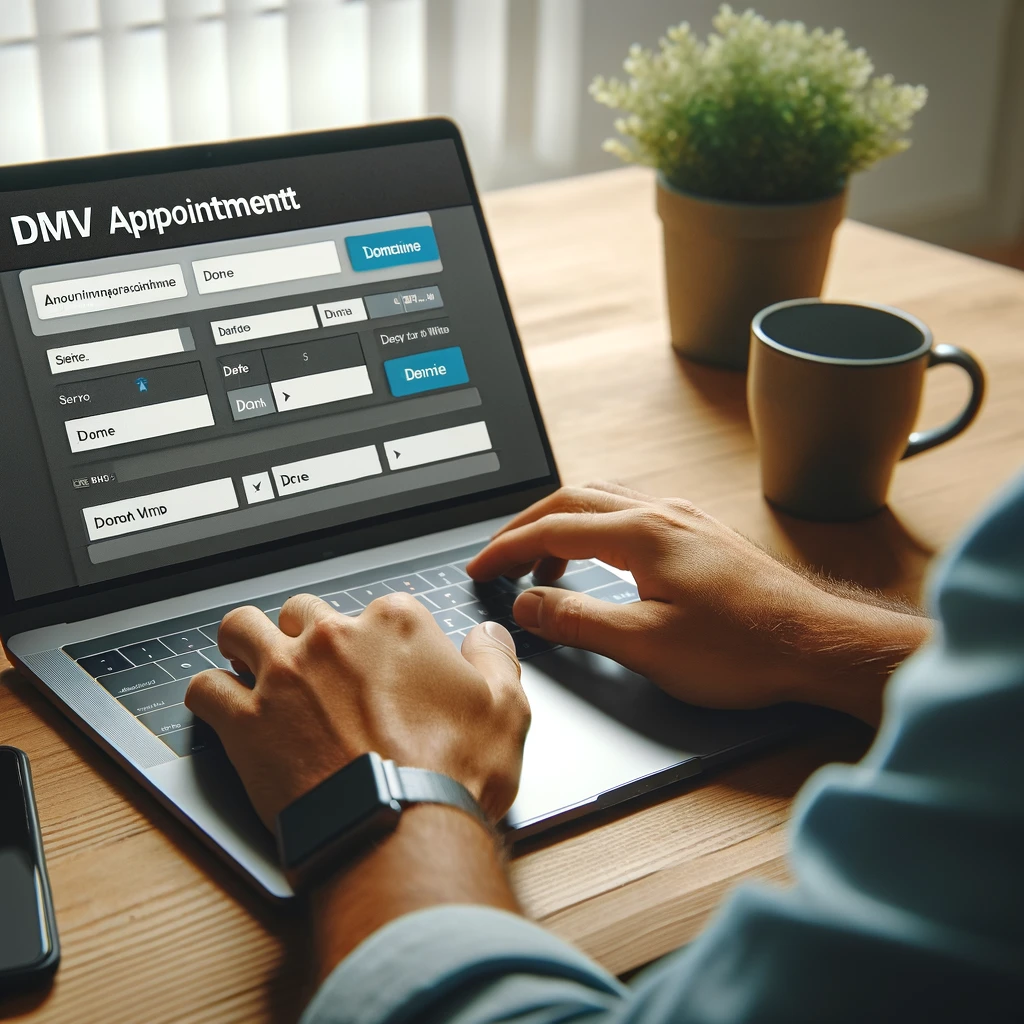
Double-Check Your Documents
Ensure you have all the required documents before your appointment. Missing paperwork can lead to rescheduling and delays.
Arrive Early
Even with an appointment, it's a good idea to arrive a few minutes early. This allows you to find parking and complete any preliminary steps before your scheduled time.
Be Prepared for Wait Times
While online appointments significantly reduce wait times, there may still be some waiting involved. Bring a book or something to keep you occupied just in case.
Follow COVID-19 Guidelines
Check the DMV website for any COVID-19 protocols in place. This might include wearing masks, social distancing, or other safety measures.
Conclusion
Using the DMV Online Appointment System is a smart way to manage your time and reduce the stress associated with DMV visits. By following the steps outlined above, you can easily schedule your appointment and ensure a smoother experience. At Drive Rite Academy, we're here to support you in all aspects of your driving journey. For more information and assistance, visit our website at Drive Rite Academy.